OPENMEDIAVAULT 7 / 8 · RASPBERRY PI OR PC · ABOUT 5 MINUTES
How to show photos from OpenMediaVault on your Android TV screensaver
A Raspberry Pi with a USB drive running OMV makes a cheap, silent photo server for the living room TV.
THE SHORT ANSWER
Create an NFS share for your photos shared folder in OMV (read-only, your LAN as the client). Then in Dreamr on the TV choose NFS and enter the server and path /photos, or use SMB with the share name. Set Dreamr as the screensaver.
1. Share the photos folder
NFS
Services › NFS › Settings: Enabled. Services › NFS › Shares › Create: Shared folder photos, Client 192.168.1.0/24 (one entry), Privilege Read only. Apply.
SMB
Services › SMB/CIFS › Settings: Enabled. Shares › Create: Shared folder photos, Public “Guests allowed”, Read only on. Apply.
2. Enter it in Dreamr
| Dreamr field | NFS | SMB |
|---|---|---|
| Server | 192.168.1.50 |
192.168.1.50 |
| Path / Share | /photos |
photos |
| Login | None. Access is by client rule. | Leave blank (guest) |
OMV binds shared folders under /export and serves /export as the NFSv4 root. Dreamr uses NFSv4, so the path is /<shared folder name>, without /export.
3. Set it as the screensaver
Android TV (Nvidia Shield and TVs with the classic Android TV home screen): Settings › Device Preferences › Screen saver › Screen saver › Dreamr.
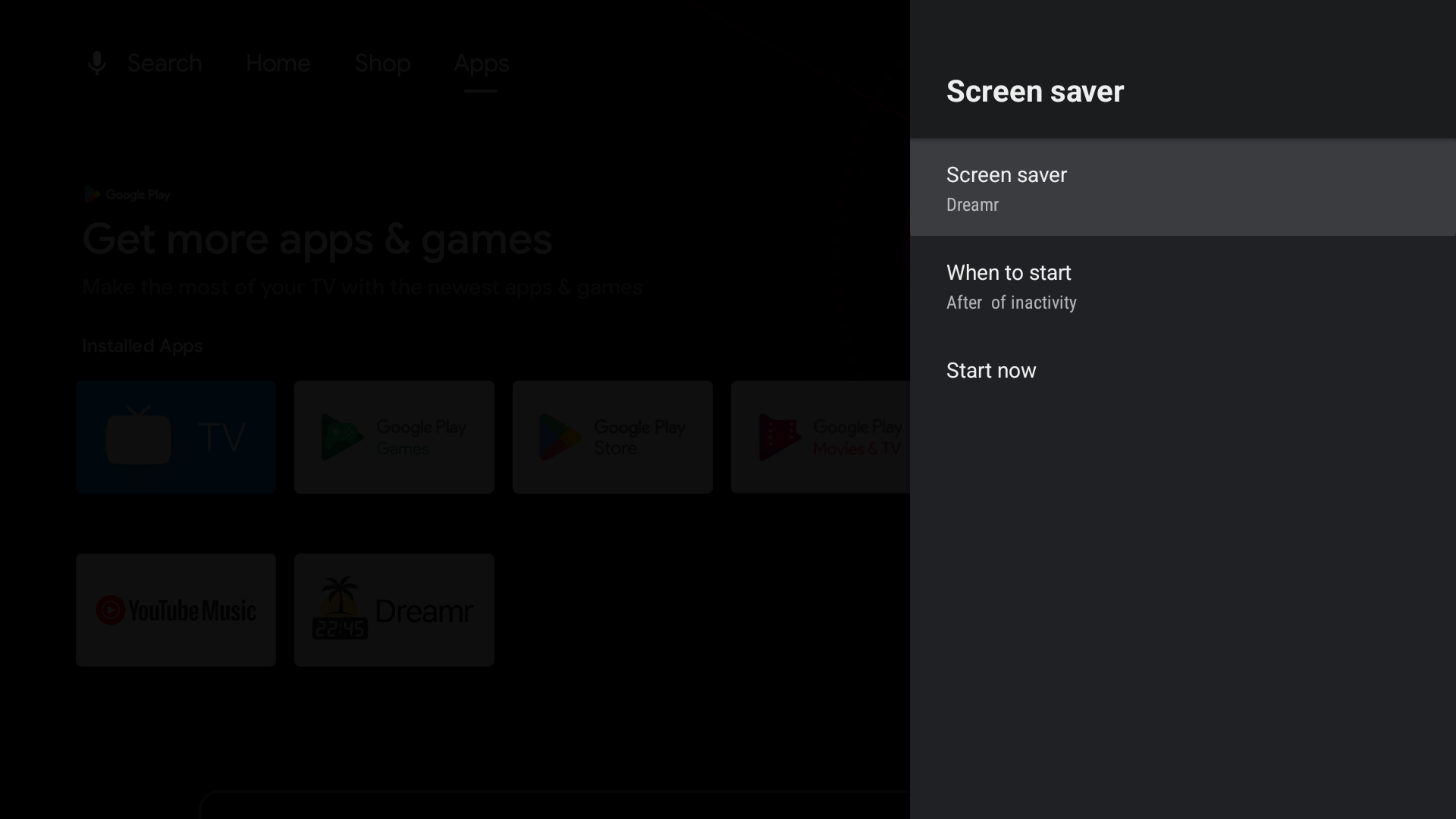
Google TV (Chromecast with Google TV, Google TV Streamer and Google TV televisions): Google removed third-party screensavers from the Settings menu. Set Dreamr once from a computer with adb:
adb shell settings put secure screensaver_components uk.co.shogunsoftware.dreamr/.PhotoDreamService