GUIDE · NFS · ABOUT 5 MINUTES
How to show photos from an NFS share on your Android TV screensaver
Works with TrueNAS SCALE & CORE, Unraid, OpenMediaVault, Proxmox, Synology NFS and any Linux NFSv4 server.
THE SHORT ANSWER
Android TV can't mount NFS by itself, but Dreamr has its own NFSv4 client. Export your photo folder read-only to your LAN, install Dreamr on the TV, choose NFS, enter the server, port 2049 and the export path, then set Dreamr as the screensaver.
1. Export the photo folder
Dreamr only reads, so a read-only export is enough. Pick your server:
TrueNAS
Shares › Unix (NFS) Shares › Add. Choose the dataset and add your LAN under Networks. Under Advanced Options, tick Read-Only and set Mapall User to an account that can read the photos.
Unraid
Settings › NFS: Enable NFS Yes. Then Shares › your photo share › NFS Security Settings: Export Yes, Security Secure. Everyone can read, and only chosen users can write.
OpenMediaVault
Services › NFS › Shares › Create. Pick the shared folder, set Client to your subnet and Privilege to Read only.
Any Linux server
Add a line to /etc/exports, then run exportfs -ra.
/srv/photos 192.168.1.0/24(ro,sync,no_subtree_check)
2. Connect Dreamr to it
On the TV, open Dreamr › Photo Source › Source Type › NFS, then fill in:
| Field | Example | Notes |
|---|---|---|
| Server | 192.168.1.20 |
An IP address is the most reliable. Hostnames work if your router resolves them. |
| Port | 2049 |
The NFSv4 default. Only change it if you moved it. |
| Path | /mnt/tank/photos |
The exported path. With an fsid=0 root, use the path relative to it. |
Press Test NFS Connection. You should see “Connected successfully. Found 4,812 photos.”
3. Set it as the screensaver
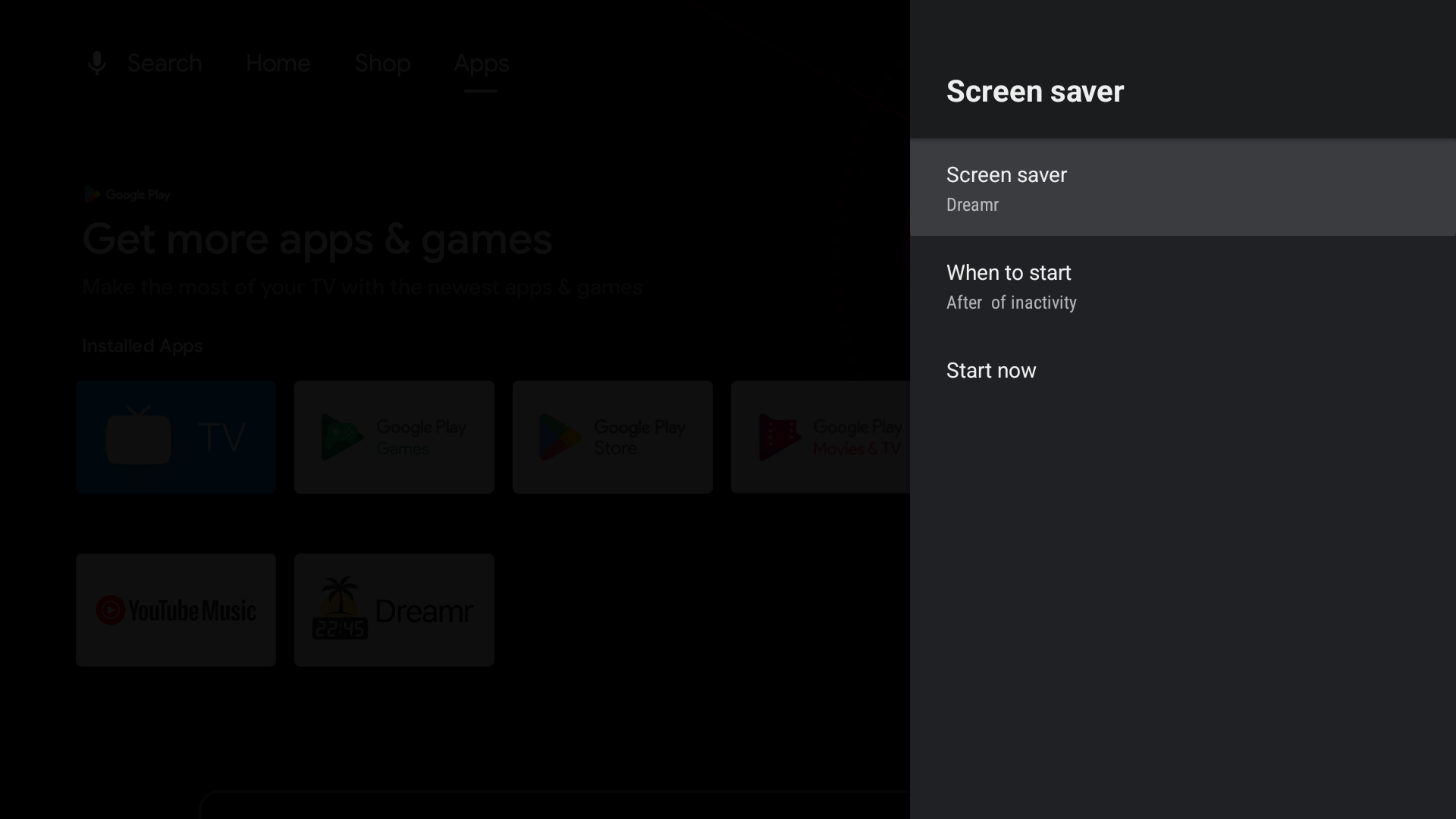
Android TV (Nvidia Shield and TVs with the classic Android TV home screen): Settings › Device Preferences › Screen saver › Screen saver › Dreamr. Set “When to start” to suit the room.
Google TV (Chromecast with Google TV, Google TV Streamer and Google TV televisions): Google removed third-party screensavers from the Settings menu. Set Dreamr once from a computer with adb, with developer options and network debugging turned on:
adb shell settings put secure screensaver_components uk.co.shogunsoftware.dreamr/.PhotoDreamService