QNAP QTS 5 / QuTS HERO · SMB OR NFS · ABOUT 5 MINUTES
How to show your QNAP photos as the Android TV screensaver
Works with TS and TVS models on QTS 5 or QuTS hero. You don't need QuMagie or a DLNA media server.
THE SHORT ANSWER
Install Dreamr on the TV, choose SMB, enter the QNAP's IP and the share Multimedia (or wherever your photos are), sign in with a read-only QNAP user, pick the album folder and set Dreamr as the screensaver. It reads the files directly, so QuMagie and DLNA aren't involved.
1. Turn on file sharing and add a user
- Control Panel › Network & File Services › Win/Mac/NFS/WebDAV › Microsoft Networking: tick Enable file service for Microsoft networking.
- Control Panel › Privilege › Users › Create. Name it
tv. - Under Shared Folder Permissions, give
tvRead only onMultimediaor your photo folder.
2. Enter it in Dreamr
| Dreamr field | SMB (recommended) | NFS |
|---|---|---|
| Server | 192.168.1.30 |
192.168.1.30 |
| Share / Path | Multimedia |
/Multimedia |
| Login | tv + password |
None. Access is by host rule. |
For NFS: Win/Mac/NFS/WebDAV › NFS Service: tick Enable Network File System (NFS) service and select NFSv4. Then Control Panel › Privilege › Shared Folders › Edit Shared Folder Permissions › NFS host access: tick Access right and add your LAN range as read only. Over NFSv4 the path is the share name with no /share/ prefix.
3. Set it as the screensaver
Android TV (Nvidia Shield and TVs with the classic Android TV home screen): Settings › Device Preferences › Screen saver › Screen saver › Dreamr.
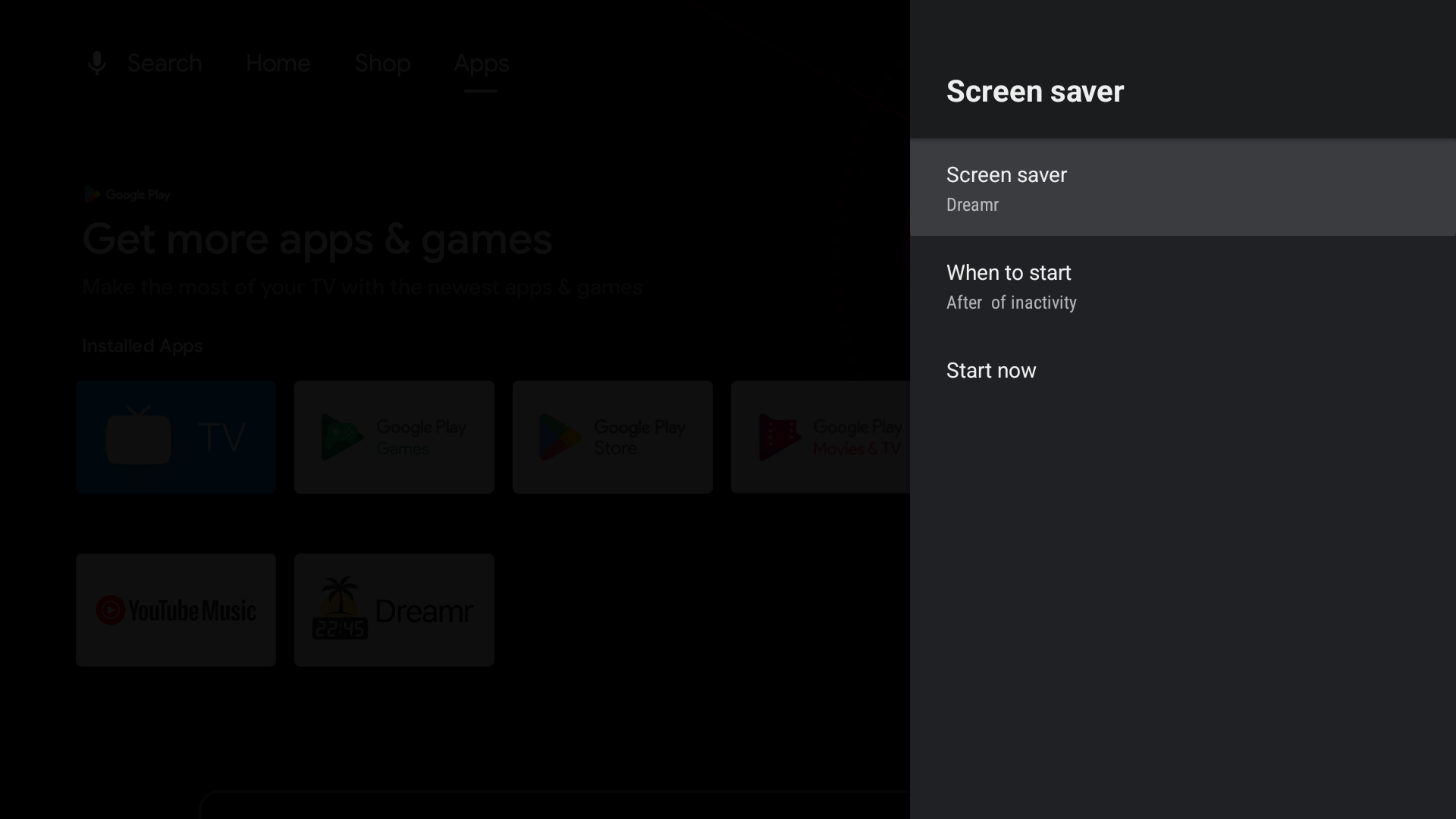
Google TV (Chromecast with Google TV, Google TV Streamer and Google TV televisions): Google removed third-party screensavers from the Settings menu. Set Dreamr once from a computer with adb:
adb shell settings put secure screensaver_components uk.co.shogunsoftware.dreamr/.PhotoDreamService