TRUENAS SCALE 24.10+ / COMMUNITY EDITION · NFS OR SMB · ABOUT 5 MINUTES
How to show photos from TrueNAS on your Android TV screensaver
Point Dreamr at a dataset over NFSv4. You don't need an app, a container or a media server on the NAS.
THE SHORT ANSWER
Create a read-only NFS share for your photos dataset with NFSv4 enabled, then in Dreamr on the TV choose NFS and enter the TrueNAS IP, port 2049 and the path, e.g. /mnt/tank/photos. Set Dreamr as the screensaver and it streams straight from the pool.
1. Share the dataset over NFS
- Shares › Unix (NFS) Shares › Add. Path: your photos dataset, e.g.
/mnt/tank/photos. Share a dataset, not the pool root. - Next to Networks, click Add and enter your LAN, e.g.
192.168.1.0/24. - Advanced Options: tick Read-Only and set Mapall User to a user that can read the dataset. Save.
- Accept the Enable Service prompt. Then in System › Services › NFS, turn on Start Automatically and check that NFSv4 is in Enabled Protocols.
2. Enter it in Dreamr
| Dreamr field | NFS (recommended) | SMB |
|---|---|---|
| Server | 192.168.1.20 |
192.168.1.20 |
| Port | 2049 |
Not needed |
| Path / Share | /mnt/tank/photos |
photos |
| Login | None. Access is by network rule. | A local user with read access |
Press Test NFS Connection. It reports how many photos it found in that folder.
3. Set it as the screensaver
Android TV (Nvidia Shield and TVs with the classic Android TV home screen): Settings › Device Preferences › Screen saver › Screen saver › Dreamr.
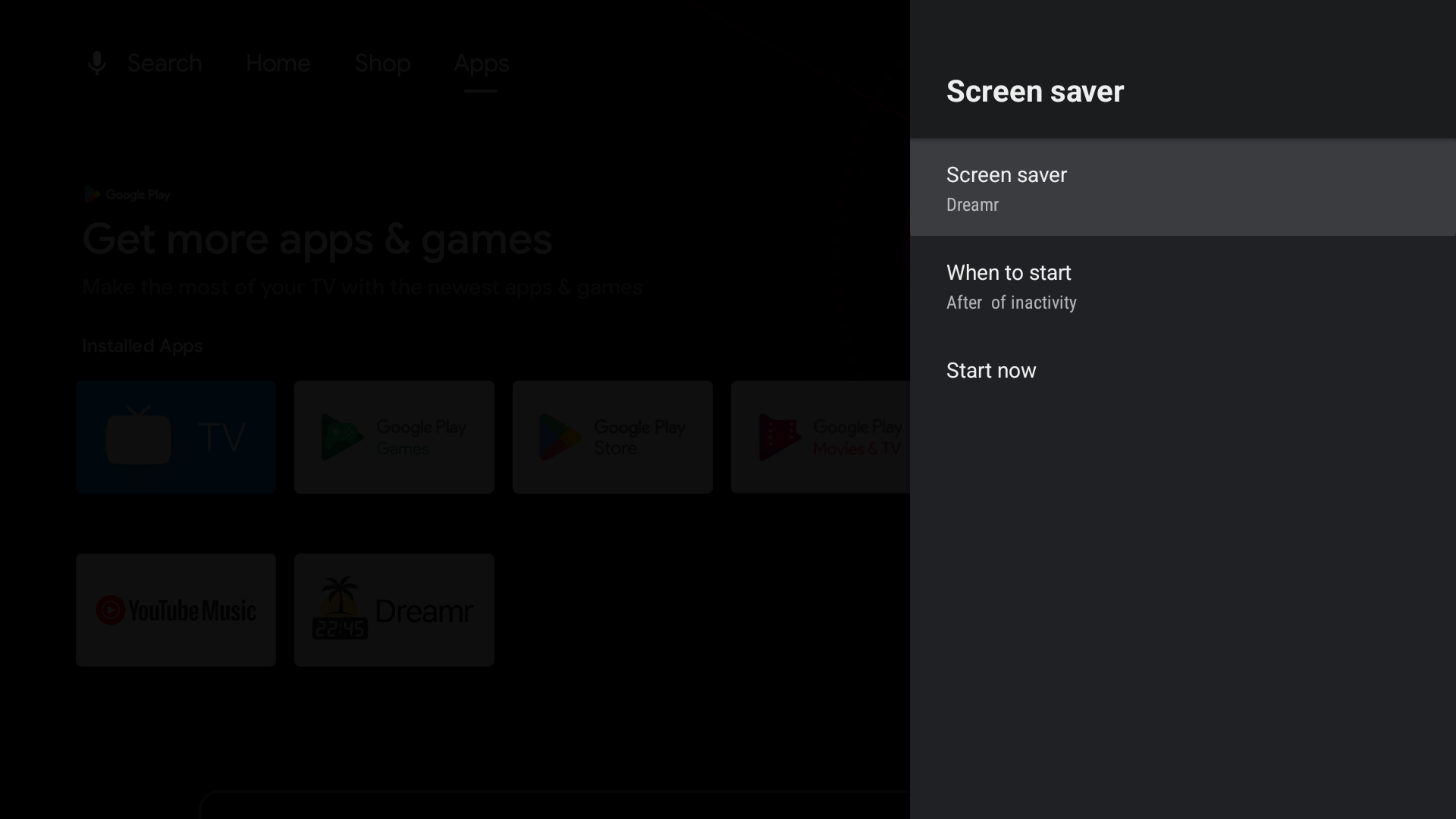
Google TV (Chromecast with Google TV, Google TV Streamer and Google TV televisions): Google removed third-party screensavers from the Settings menu. Set Dreamr once from a computer with adb:
adb shell settings put secure screensaver_components uk.co.shogunsoftware.dreamr/.PhotoDreamService