UNRAID 6.12 / 7 · NFS OR SMB · ABOUT 5 MINUTES
How to show photos from Unraid on your Android TV screensaver
Export the share and you're done. You don't need a Docker container or Plex for the TV.
THE SHORT ANSWER
Easiest: set your photo share's SMB security to Secure, then in Dreamr choose SMB with the Unraid IP and share name and leave the login blank. For NFS, export the share with Secure security and use the path /mnt/user/photos. Then set Dreamr as the TV's screensaver.
1. Export the photo share
SMB (simplest)
Settings › SMB: Enable SMB Yes. Shares › photos › SMB Security Settings: Export Yes, Security Secure. Guests can read but not write.
NFS
Settings › NFS: Enable NFS Yes. Shares › photos › NFS Security Settings: Export Yes, Security Secure (everyone reads). To restrict by network, use Private with Rule 192.168.1.0/24(sec=sys,ro).
2. Enter it in Dreamr
| Dreamr field | SMB | NFS |
|---|---|---|
| Server | 192.168.1.40 |
192.168.1.40 |
| Share / Path | photos |
/mnt/user/photos |
| Login | Leave blank (guest) | None. NFS has no login. |
Use /mnt/user/…, not a single disk's path like /mnt/disk1/…, so photos spread across the array all show up.
3. Set it as the screensaver
Android TV (Nvidia Shield and TVs with the classic Android TV home screen): Settings › Device Preferences › Screen saver › Screen saver › Dreamr.
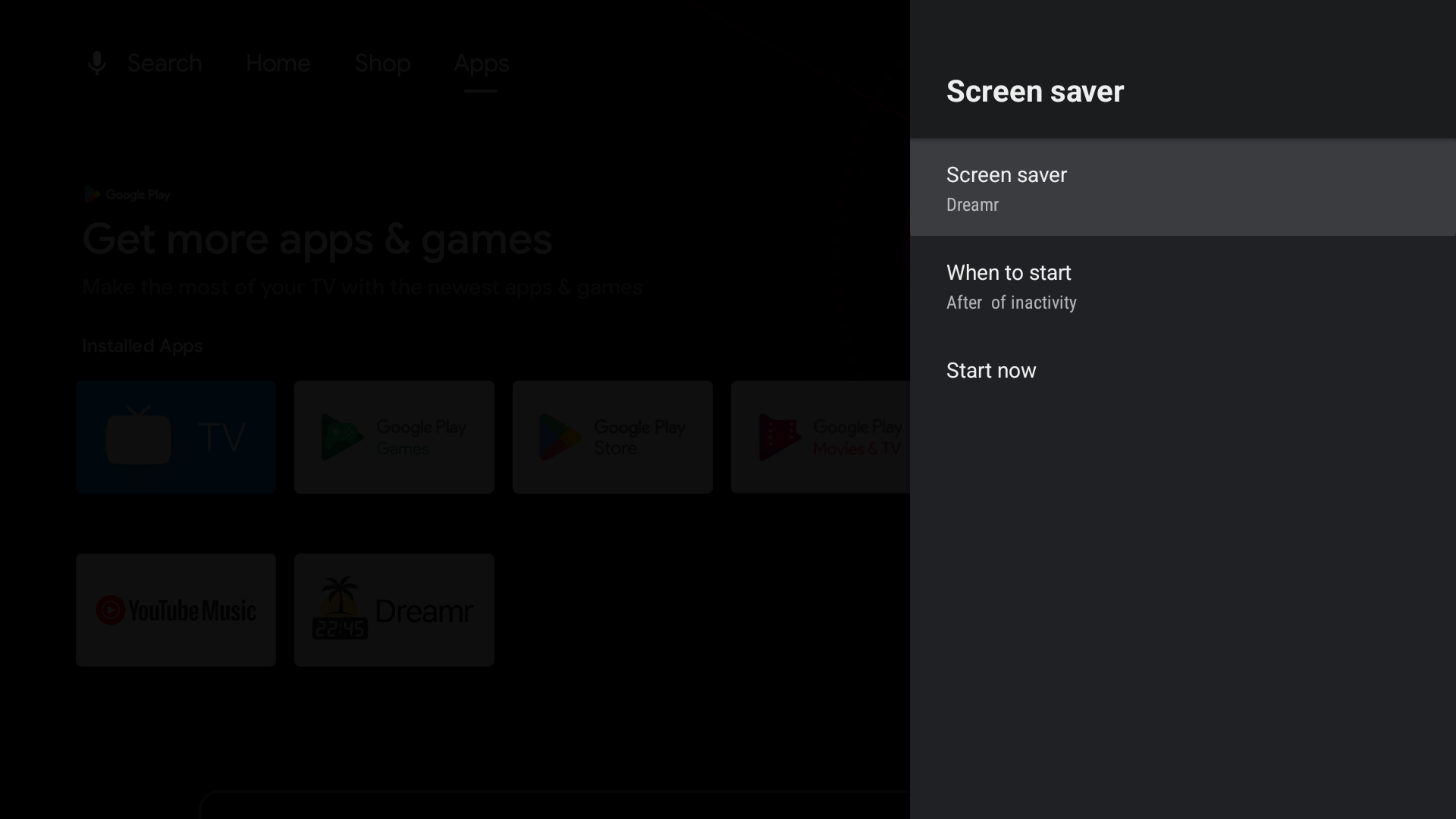
Google TV (Chromecast with Google TV, Google TV Streamer and Google TV televisions): Google removed third-party screensavers from the Settings menu. Set Dreamr once from a computer with adb:
adb shell settings put secure screensaver_components uk.co.shogunsoftware.dreamr/.PhotoDreamService