GUIDE · SMB · ABOUT 5 MINUTES
How to use your Synology, QNAP or Windows photos as the Android TV screensaver
Any SMB 2/3 share works: Synology DSM, QNAP QTS, Asustor, TrueNAS SMB, Windows 10/11 and router USB shares.
THE SHORT ANSWER
Install Dreamr on the TV, choose SMB as the photo source, enter the NAS's IP address and share name (for example photo on Synology), add a read-only username and password if the share needs one, pick the folder, then set Dreamr as the screensaver. You don't need Synology Photos, QuMagie or a DLNA server.
1. Share the photo folder
Synology DSM
Control Panel › File Services › SMB: make sure Enable SMB service is ticked. Create a user called tv with Read only access to the photo shared folder.
QNAP QTS
Control Panel › Network & File Services › Win/Mac/NFS/WebDAV › Microsoft Networking: tick Enable file service for Microsoft networking. Give a user Read only rights on Multimedia or your photo folder.
Windows 10 / 11
Right-click the Pictures folder › Properties › Sharing › Advanced Sharing › Share this folder. Sign in with your Windows account details.
Router USB drive
Turn on the router's file sharing (often “Samba” or “Network share”). Guest access with no password works.
2. Connect Dreamr to it
On the TV, open Dreamr › Photo Source › Source Type › SMB:
| Field | Example | Notes |
|---|---|---|
| Server | 192.168.1.10 |
The NAS's IP address. Give it a fixed IP in your router. |
| Share Name | photo |
Just the share, without slashes or the server name. |
| Username | tv |
Optional. Leave it blank for guest shares. |
| Password | •••••••• |
Encrypted with the TV's Android Keystore and left out of backups. |
Then Select a Folder to browse to the album or year you want. Dreamr also includes photos up to two sub-folders down.
3. Set it as the screensaver
Android TV (Nvidia Shield and TVs with the classic Android TV home screen): Settings › Device Preferences › Screen saver › Screen saver › Dreamr.
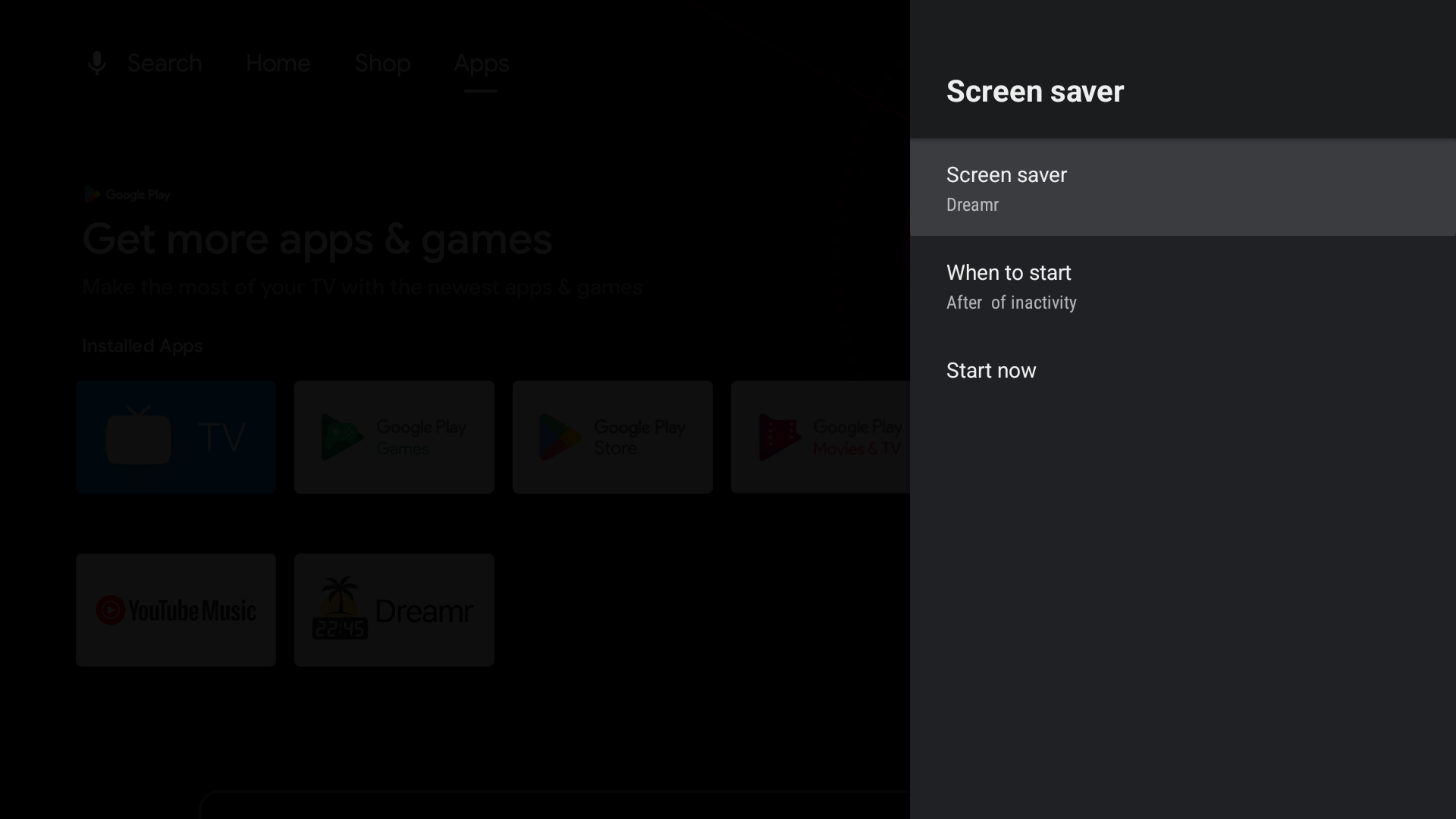
Google TV (Chromecast with Google TV, Google TV Streamer and Google TV televisions): Google removed third-party screensavers from the Settings menu. Set Dreamr once from a computer with adb, with developer options and network debugging turned on:
adb shell settings put secure screensaver_components uk.co.shogunsoftware.dreamr/.PhotoDreamService